15 Sept 2026
Ask for help by picking the problem, not typing it New
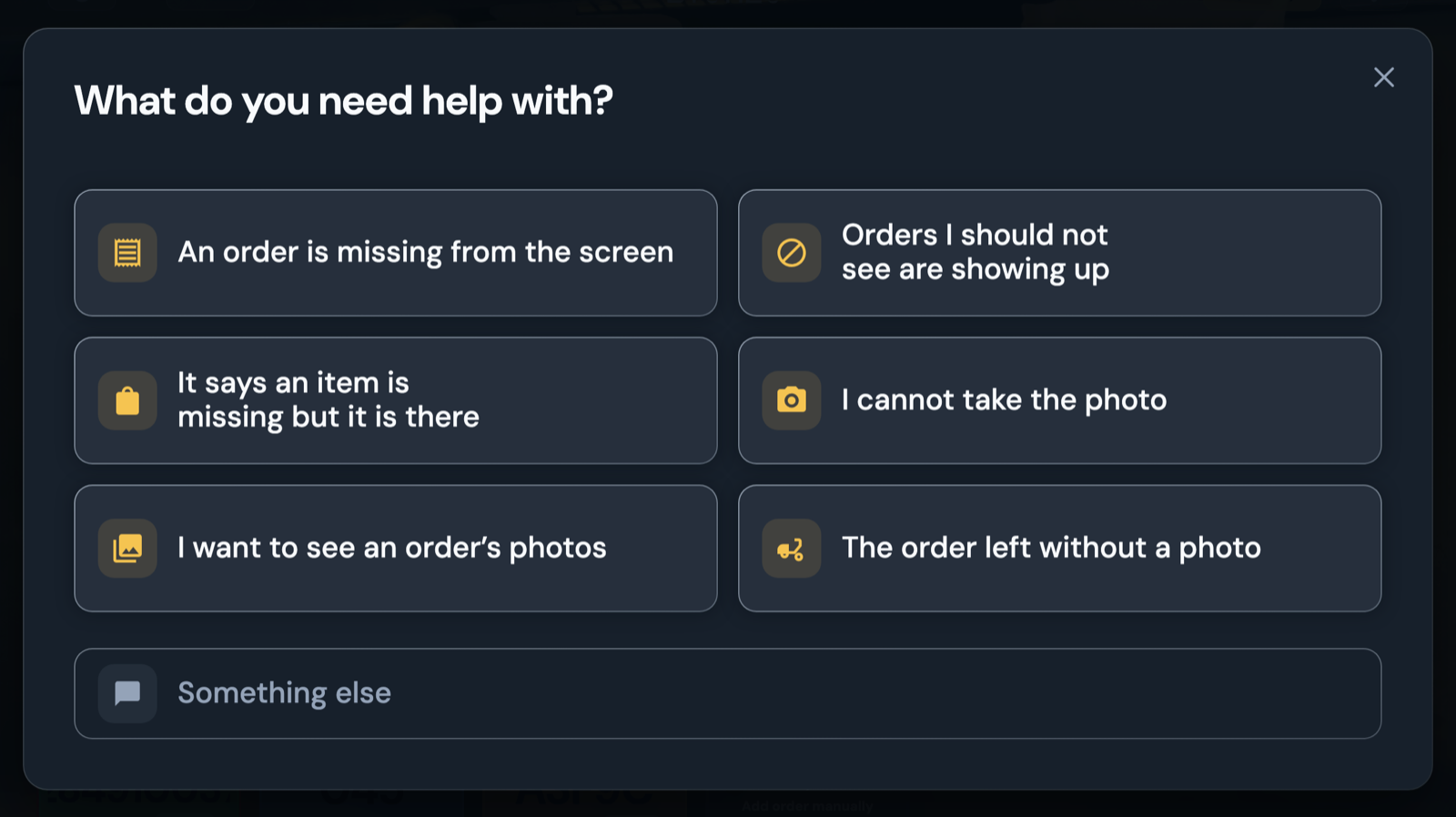
The Help button opens a list of the six most common problems.
- Some problems are fixed by reloading the app, and you confirm whether it worked.
- If support is needed, the message already includes your order's context: you don't need to explain it yourself.
Review pending refunds one at a time New
The Hub's new home page lists the refunds that couldn't be disputed automatically.
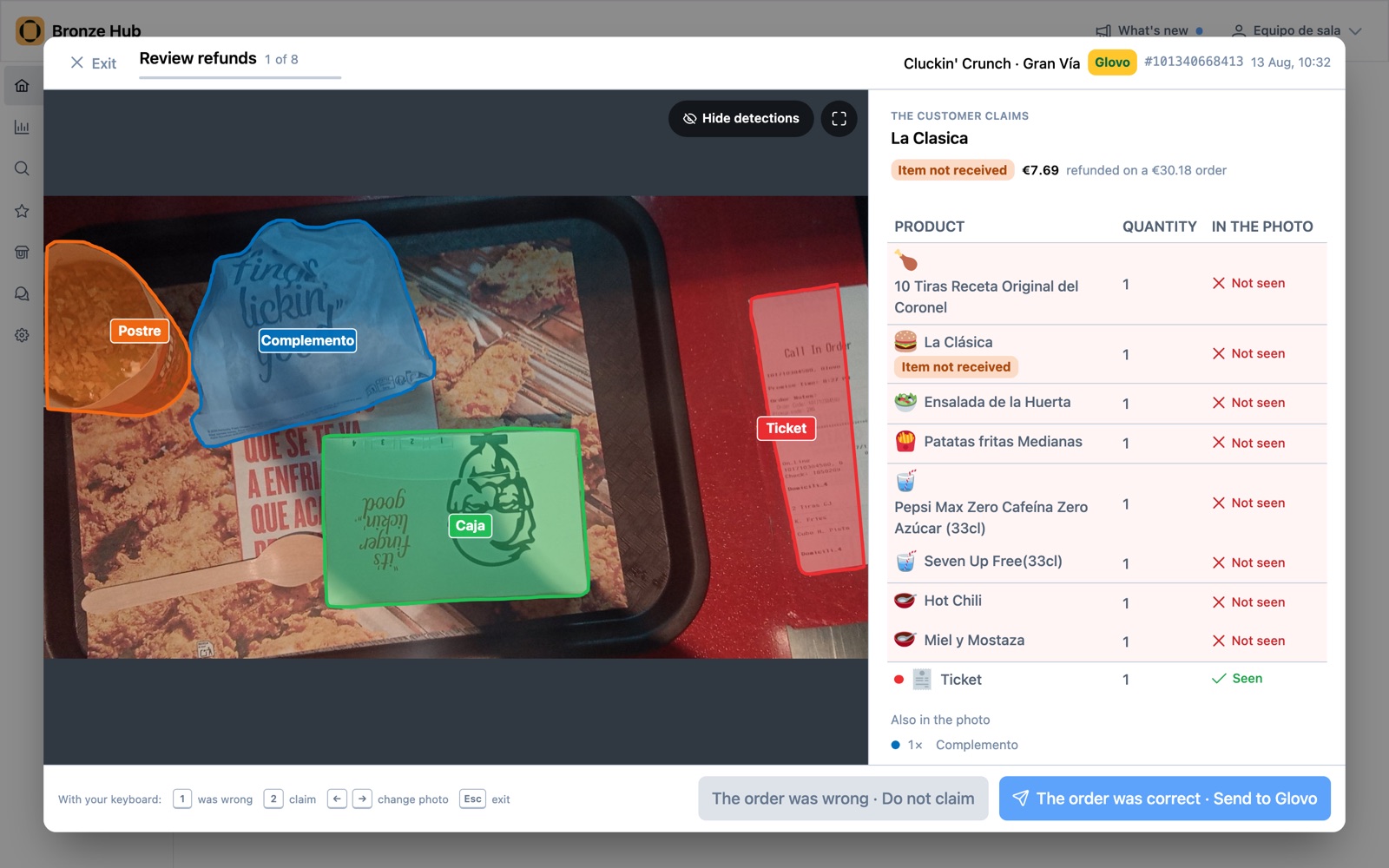
- You see the order photo with what the AI detected and the ticket beside it.
- You decide whether you accept the refund or Bronze disputes it.